
Memory
How Quotient learns about your brand, preferences, and workflows
To do great marketing, Quotient needs context about your business — the same kind of context you'd give a new hire before they could do useful work. Memory is where that context lives.
Memory is a collection of documents that Quotient draws on whenever it writes content, proposes campaigns, or gives strategic advice. The more you teach Quotient about your business, the more relevant and on-brand its output becomes.
This isn't so different from a human marketing agency. To do good work, an agency spends time learning your brand, your customers, and how you like to operate. The same goes for Quotient — except instead of onboarding calls and brand decks, the knowledge lives in memory, and Quotient can draw on all of it instantly.
What Goes in Memory
Memory is broader than just brand information. It captures anything that helps Quotient do better marketing for your business. Most memories fall into three categories.
Brand fundamentals. Who you are, what you sell, who you sell to, and how you talk about it. Think product overviews, ideal customer profiles, competitive positioning, and brand voice guidelines. This is typically the first thing you'll build when you get started with Quotient.
Workflows and playbooks. How your team actually gets marketing done. If you have a specific process for running product launches, publishing a weekly changelog, or planning quarterly campaigns, you can capture that in a memory document. When you later ask Quotient to kick off a product launch, it already knows what deliverables to produce, what the campaign structure should look like, and which channels to use — because your playbook told it so.
Preferences. Individual or team-level preferences about how work should be done. For example, you might create a memory that describes how a specific team member likes to write social media posts — their preferred tone, length, and formatting. Quotient is often smart enough to create these on your behalf. If you say something like "going forward, I want my blog posts to always include a summary at the top," Quotient will save that as a memory automatically.
Common Memory Documents
Here are examples of documents that most businesses should have:
- Ideal Customer Profile (ICP): Your target customers — demographics, pain points, decision-making process, and what drives them to your solution. Helps Quotient create more targeted content.
- Competitors and Battle Cards: Profiles of your main competitors — positioning, pricing, strengths, weaknesses, and key differentiators. Enables Quotient to highlight your unique advantages.
- Product Overview: Core functionality, key features, integrations, and what makes your product different. Ensures Quotient accurately represents your capabilities.
- Value Proposition: Your main benefits and supporting pillars — the core reasons customers choose you. Gives Quotient consistent messaging frameworks.
- Brand Voice and Style Guide: Your brand personality, tone, writing preferences, and communication style, with examples of on-brand vs. off-brand copy.
- Customer Success Stories: Case studies, testimonials, and key metrics. Gives Quotient concrete proof points to draw on.
- Messaging Framework: Tested headlines, taglines, content themes, and words or phrases to avoid.
- Campaign Playbooks: Step-by-step workflows for recurring campaigns — a product launch playbook, a webinar planning checklist, or a process for assembling weekly newsletters. These help Quotient follow your team's established process rather than improvising from scratch.
Pinned Memories
Not all memories are surfaced to Quotient at all times. When you ask Quotient to do something, the system identifies which memories are most relevant to the task at hand and pulls them in automatically. This keeps the agent focused and avoids overwhelming it with context that isn't useful for the current job.
Pinned memories override this behavior. When you pin a memory, it is always visible to Quotient — regardless of the task. This is useful for foundational context that the agent needs in every interaction, not just specific ones.
Good candidates for pinning:
- Brand Voice and Style Guide — so every piece of content stays on-brand
- Value Proposition — so Quotient always knows how to position your product
- Key Preferences — company-wide rules like "never use the word 'synergy'" or "always link to the pricing page in bottom-of-funnel content"
You can pin or unpin a memory at any time from the memory detail page. Pinned memories are marked with a pin icon in the memory list so you can see at a glance which ones are always active.
Pin sparingly — if everything is pinned, the benefit is lost. Memories that are only relevant to specific channels or tasks (like an email-specific style guide or a single campaign playbook) are better left unpinned. Quotient's relevance system will still surface them when they're needed. Reserve pinning for the handful of documents that truly represent your business fundamentals.
Tags
Tags help you organize memories by area or by author, so that Quotient can more easily identify which memories are relevant to each task. There are two types of tags: platform tags and user tags.
Platform Tags
Platform tags correspond to a platform area or topic. They help Quotient understand which memories apply to which kind of work. When Quotient is working on a task tied to a specific area, it will prioritize memories with matching tags — so the right guidelines show up at the right time without you having to think about it.
The available platform tags are:
| Tag | Use it for |
|---|---|
| Email campaign preferences — subject line style, send cadence, CTA placement | |
| blog | Blog writing guidelines — structure, length, formatting conventions |
| social | Social media preferences — tone, hashtags, platform-specific conventions |
| tone | General voice and tone guidelines that apply across channels |
| audience | Target audience definitions and segmentation context |
| brand | Core brand identity — positioning, messaging, visual guidelines |
| competitors | Competitive intelligence — battle cards, positioning against alternatives |
| products | Product details — features, use cases, pricing context |
Example: You create a memory called "Email Best Practices" that describes your preferred subject line style, send cadence, and CTA placement. You tag it with email. Now, whenever Quotient drafts an email campaign, this memory is automatically prioritized — but it won't clutter the context when Quotient is writing a blog post.
User Tags
User tags correspond to a specific user or author in Quotient. These are useful when different team members have different preferences or responsibilities.
Example: Your teammate Sarah prefers a conversational, first-person tone in her blog posts, while your teammate James writes in a more formal, third-person style. You create separate "Writing Preferences" memories for each and tag them with Sarah and James respectively. When Sarah asks Quotient to draft a post, her preferences are applied automatically — and the same for James.
Combining Tags
You can apply multiple tags to a single memory. By combining platform and user tags, you can build a memory system that gives Quotient the right context for the right person on the right channel — without anyone having to specify it at task time.
For example, a memory tagged with both Sarah and social would contain Sarah's specific preferences for social posts, and would be surfaced when Sarah asks Quotient to draft something for LinkedIn — but not when James does, and not when Sarah asks for help with an email.
Building Your Memory
Building memory is not a one-time activity — it evolves alongside your business. As your product, positioning, and strategy change, your memory should too.
Here are the most common ways to get started:
- Ask Quotient to interview you. This is often the best starting point. Ask Quotient to conduct an interview about your brand, and it will ask the right questions to help you articulate your ICP, value proposition, competitive positioning, and more. It's a great way to get knowledge that's locked in your head down on paper.
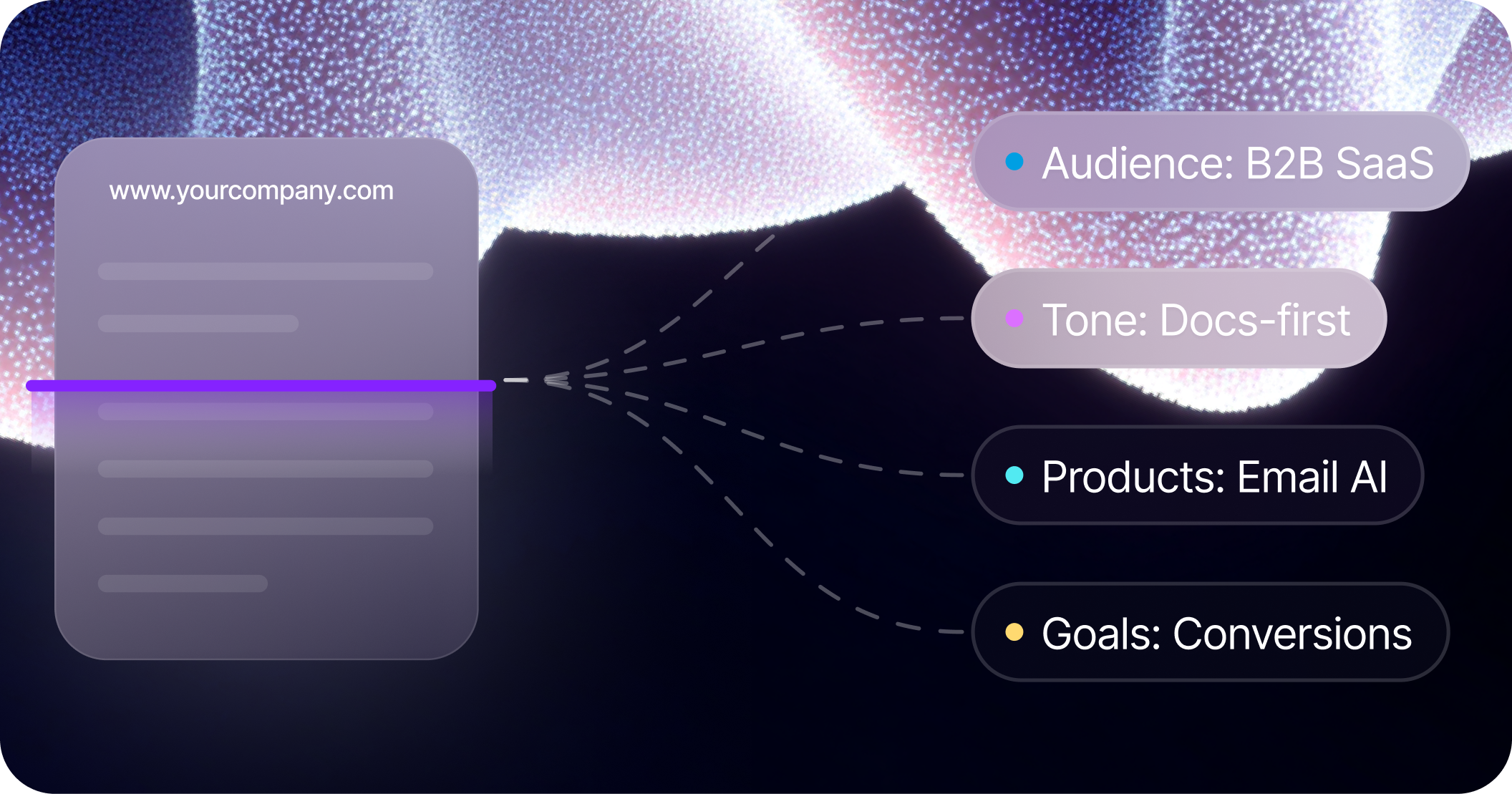
- Share your website. Tell Quotient which URLs to look at, and it will visit your site, read about your product and company, and use what it finds to bootstrap your memory. (Note that Quotient can only access public URLs.)
- Upload documents. If you have PDFs, Word documents, or slide decks about your brand, upload them to chat and ask Quotient to synthesize them into memory documents. Copy and paste works too.
- Ask Quotient to research. Tell Quotient to search the web on your behalf. A common use case is researching competitors and building battle cards that assess your strengths and weaknesses relative to each one.
- Connect external tools. Useful context often lives in other systems — product briefs in Notion, feature specs in Linear, messaging docs in Google Drive. You can use MCP connections to give Quotient access to these tools, making it easy to pull relevant context into memory.
Think of memory as a living wiki for your business — the single source of truth for everything Quotient needs to know to do great work.