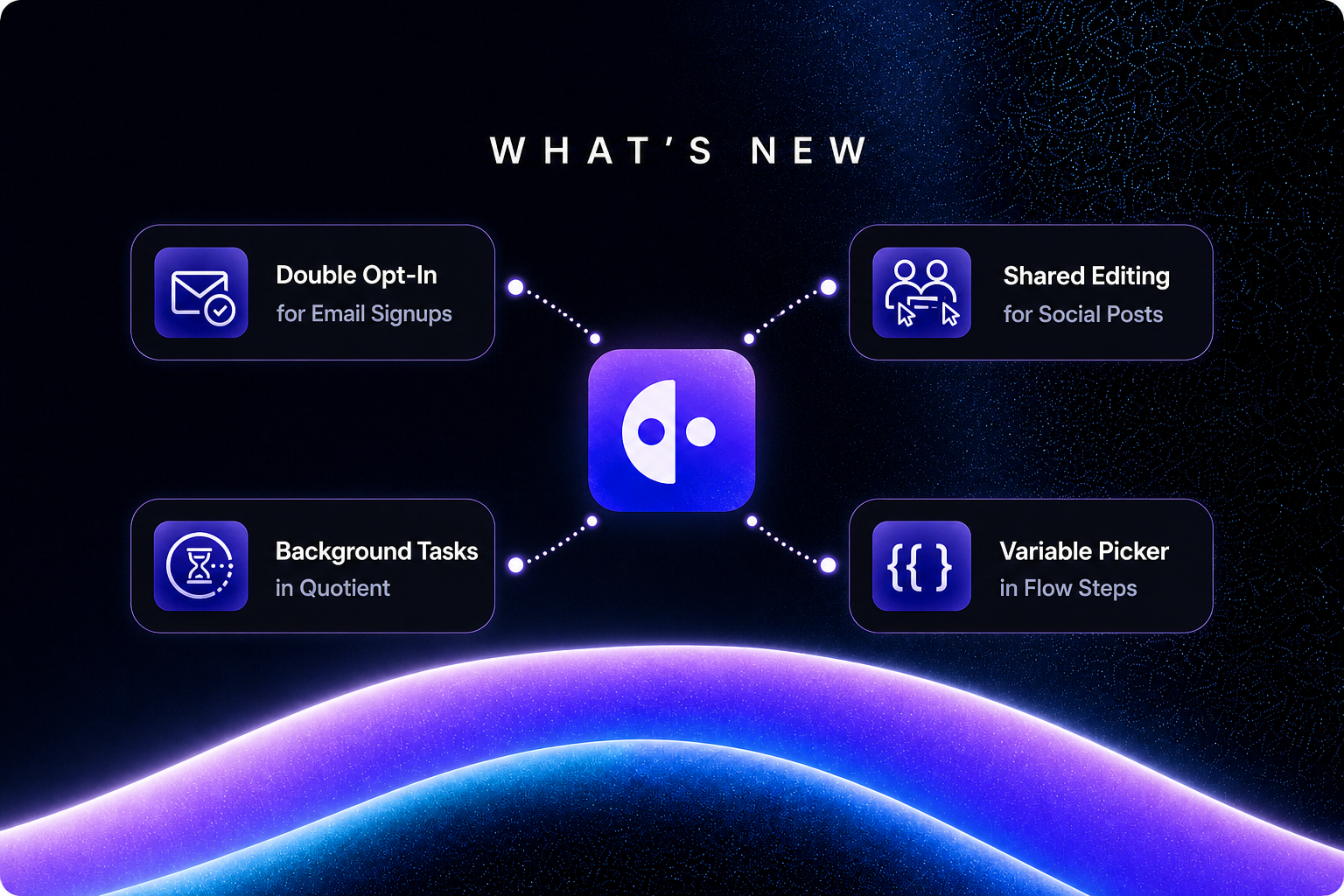
This release adds double opt-in for email signups, live collaboration on social posts, and background tasks for the Quotient agent. It also brings a variable picker to flow steps, plus smaller improvements across scheduling, audiences, and assets.
Double Opt-In for Email Signups
Turn on double opt-in in Email settings and new signups get a confirmation email. They don't receive your marketing email until they click Confirm, so your list only holds people who proved the address is theirs. That protects your sender reputation, keeps spam complaints down, and gives you a clear record of consent. It also makes it safe to welcome back people who unsubscribed: signing up again sends a confirmation, and clicking it is how they return.
You can customize the confirmation email's subject, heading, body, button, and logo with a live preview, and brand the confirmation page with your accent color. Links work for 7 days. CSV imports, CRM syncs, and people you add yourself aren't asked to confirm.
Collaborative Social Posts
Teammates can now edit the same social post, its first comment, and each reply in an X thread at the same time, and see each other's changes live. You can leave inline comments on a specific sentence, the same way you can in blog posts and documents. Posts the agent drafted open with their text ready to edit.
Here are two ways teams can use it:
Tighten a launch post together. The agent drafts a LinkedIn post for a feature launch. Your product lead fixes a claim in the second paragraph while you rework the opening line, and you both see the edits as they happen. No more passing a doc back and forth.
Review a thread without a meeting. A teammate leaves an inline comment on one sentence in reply 3 of an X thread, such as "can we cut this to one line?" You fix it right there while they watch, and the comment never gets buried in a Slack message.
Background Tasks in Quotient
Quotient can now start a task that takes time, keep working on your request, and pick back up when it finishes. While something runs, a Background tasks tray above the message box shows what's still going and how long is left. When it's done, a Background task finished card appears in the thread and the agent continues from where it left off, including in Slack. The first background task is waiting for a set time, which covers requests like "check back in an hour."
Variable Picker in Flow Steps
Type two curly braces in a flow step's message or field to choose from the variables that step can actually use. The editor explains each variable on hover and warns you when one will come out empty, before the flow ever runs. It works in Slack, notification, HTTP Request, and person update steps.
Here are two ways it shows up in a normal week:
Tell sales about a new lead. In a Slack step, type {{ and pick the person's name, company, and email to write a message like "New signup: {{person.firstName}} {{person.lastName}} from {{person.company.name}} ({{person.emailAddress}})". If a lead has no company on file, the editor warns you before the flow runs, so you don't send a message with a blank in the middle of it.
Send new contacts to another tool. In an HTTP Request step, use {{ to drop the person's email, first name, and job title into the request body when you push a new contact to a CRM or a webhook. Hovering over each variable shows what it holds, so you don't have to guess at field names.
Other Improvements
Business-timezone scheduling. Posts, emails, and blog publish dates are scheduled in your business's timezone, with your local time shown alongside. The campaign calendar can switch between the two, and the Business Timezone setting now lives in General settings.
Topic Opt-In trigger. Start a flow when someone opts in to a topic, such as a welcome series for your newsletter.
Primary contact for companies. Set a primary contact on any company and see it on the company page.
Faster segments. Segments that filter on activity, like "opened an email in the last 30 days," load much faster. In our tests at a million people, a "trial started but not converted" segment went from about 22 seconds to under one.
Asset search. Search the Assets page and filter by format, source, and creator. GIFs show a still preview in lists and pickers.
Bug Fixes
Signup forms now opt people back in to a topic they previously left when they pick it again.
The activity stream on person and company pages loads all the way back through older activity.
Blog
Keep up with the latest
from Quotient
Similar Topics