

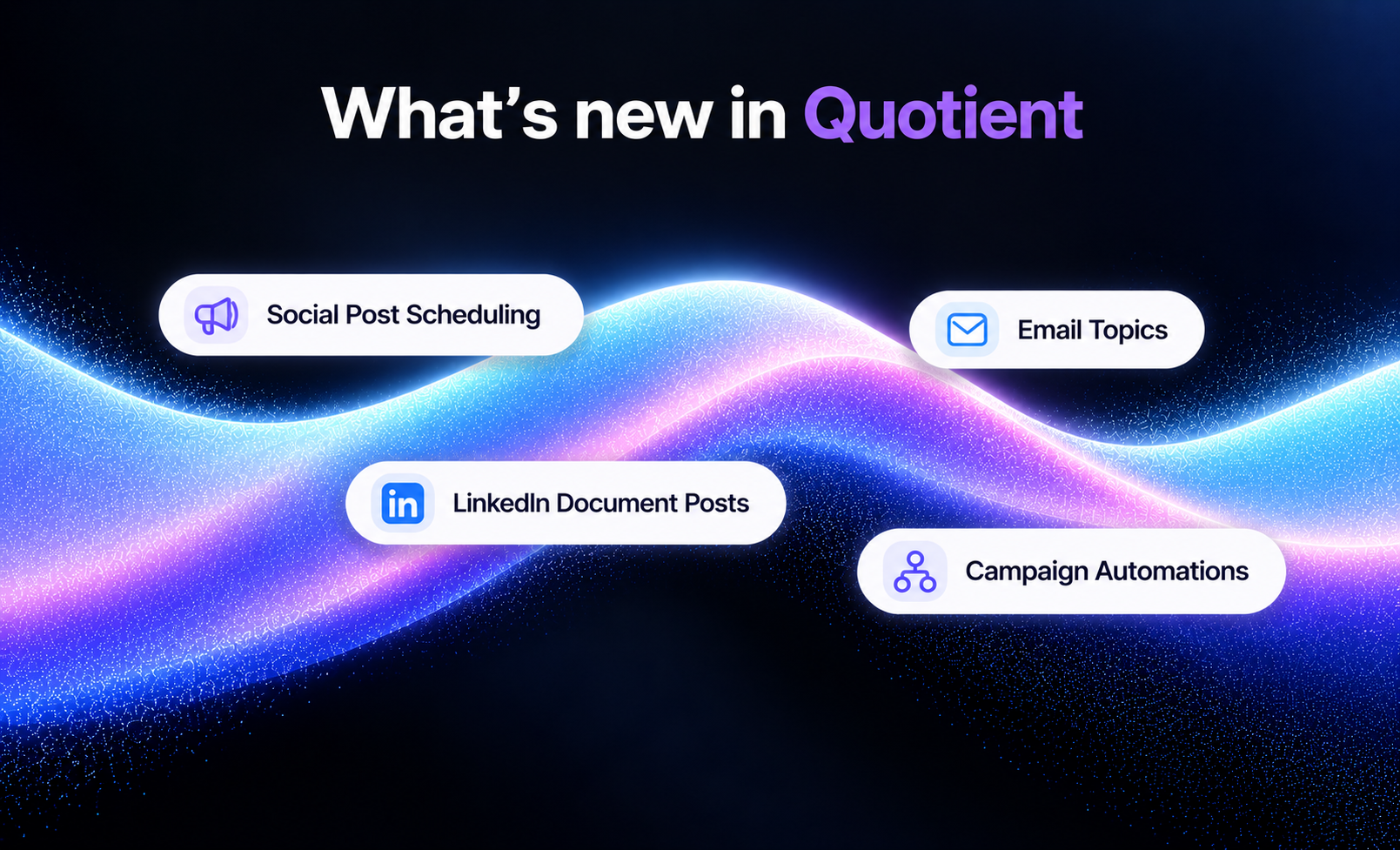
This release brings a new social post creation and scheduling experience, plus Email Topics, LinkedIn document posts, campaign automations, and more.
Marquee Feature: Social Post Creation and Scheduling
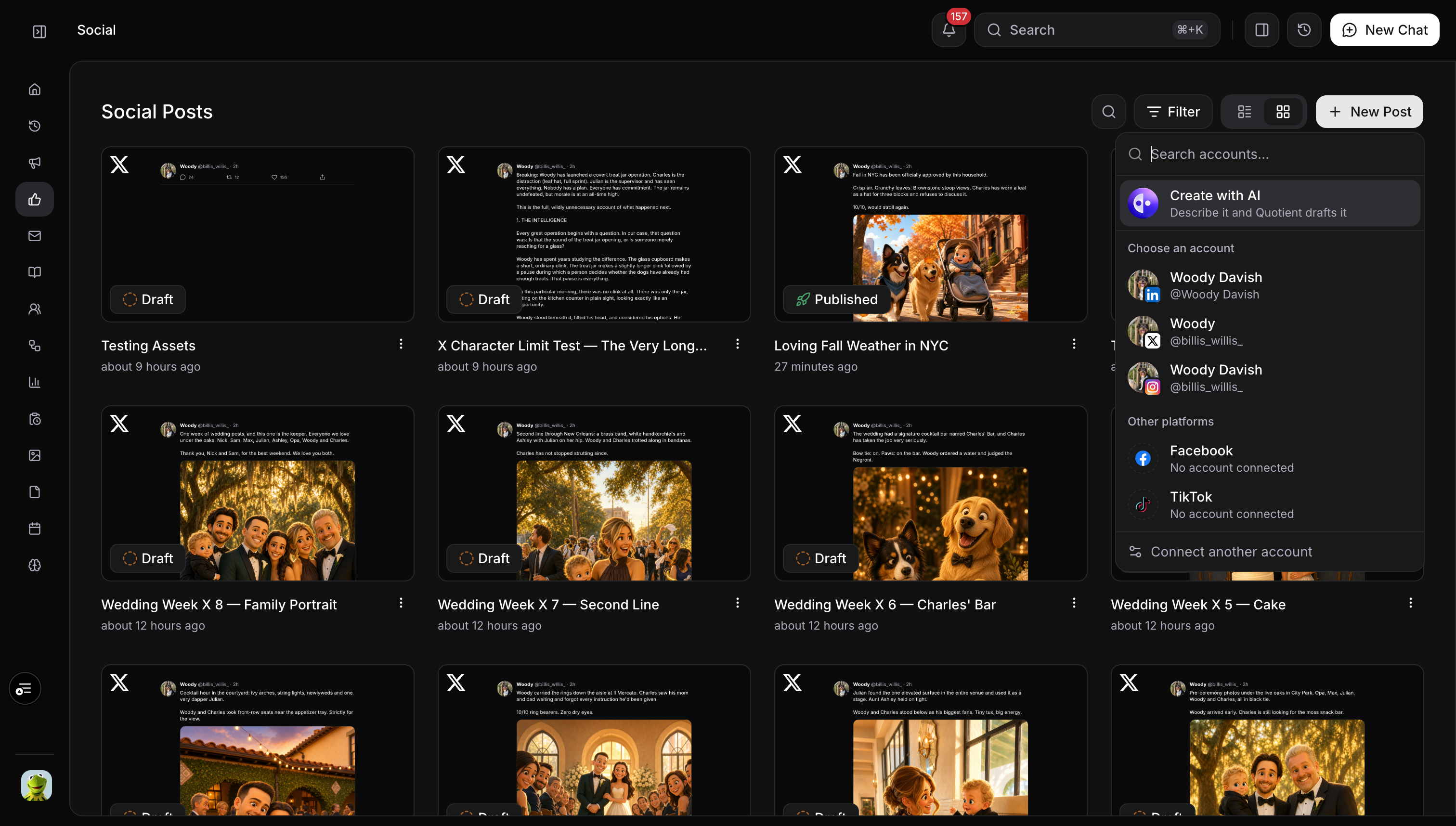
We have streamlined the flow for creating a social post. Click New Post, select the account you want to publish from, then write the post or choose Create with AI to get started from a prompt.
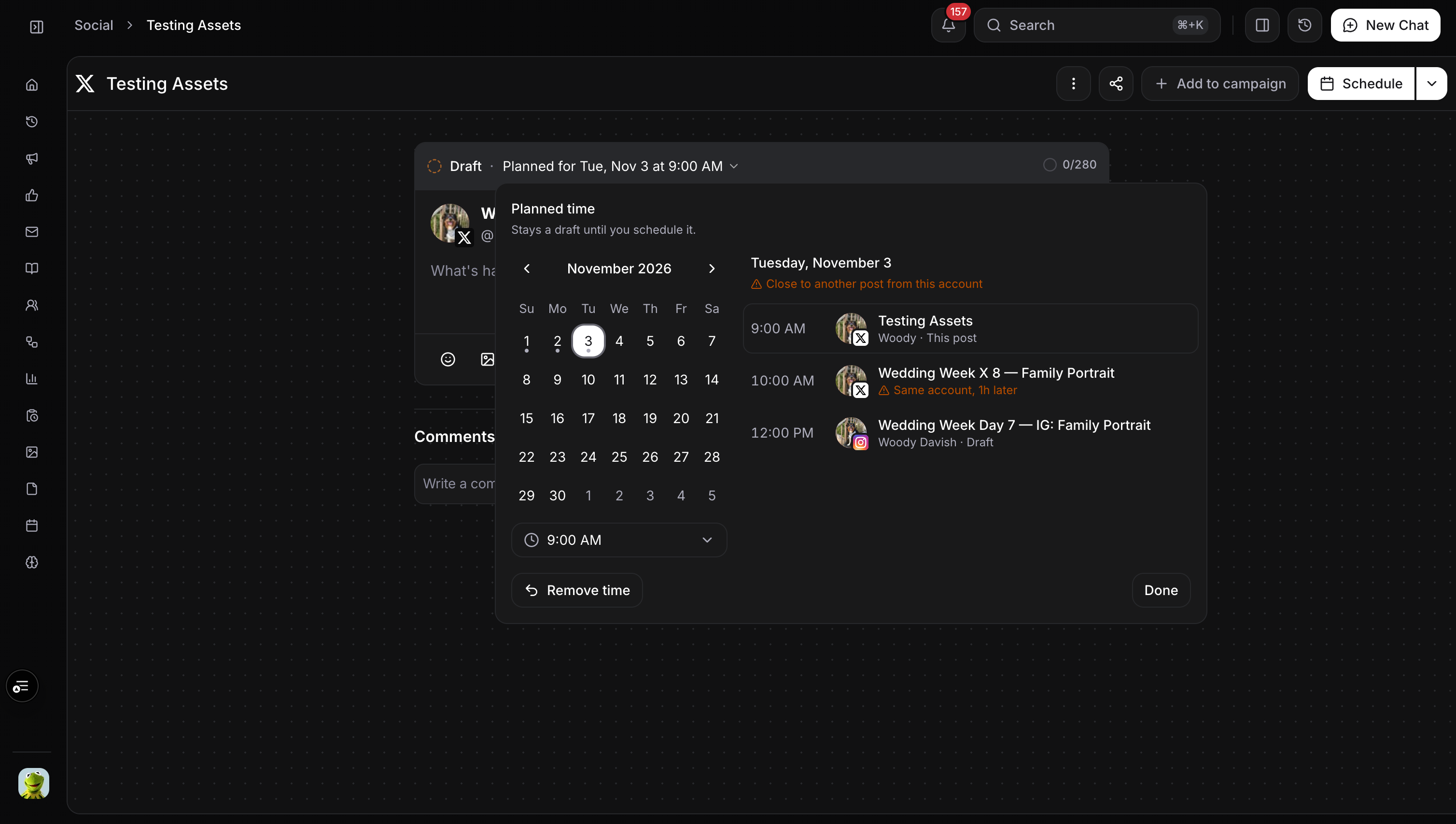
You can now also select a planned publish time while a post is still in draft. This makes it easier to plan upcoming posts before they are ready to schedule.
The time picker shows other posts already going out that day. If another post from the same account is scheduled nearby, Quotient will flag it and show the gap between them so you can adjust the plan before publishing.
Email Topics
Every broadcast now belongs to a topic, so people can choose the kinds of email they want to receive rather than opting out of everything. Create topics in Settings → Email, choose one when you build a broadcast, and let recipients manage their choices from the preferences page. Gmail's one-click unsubscribe now removes someone from that email's topic only.
The Audience tab shows who will receive a broadcast and why someone was excluded. You can also see the topics a person can receive on their profile. The agent selects topics for broadcasts it creates, and the SDK can subscribe people to specific topics. Before a broadcast can launch, it needs a topic and a visible unsubscribe link.
LinkedIn Document Posts
You can now publish PDFs and slide decks to LinkedIn as swipeable document posts, straight from Quotient. Attach a PDF or deck to a LinkedIn post and readers can move through it without leaving LinkedIn.
Upload a document, import it from a URL, or save it to Assets when you drop it into chat. Existing image carousels continue to work as before, so teams can choose the format that fits the work they already have.
Here are two ways to use it:
Turn a sales one-pager or product overview into a swipeable LinkedIn post that explains what you do.
Share a guide, report, or slide deck as a document post without rebuilding each page as an image carousel.
Automations in Campaigns
Campaigns can now hold the flows and agent jobs that run them alongside the content they produce. A new Automations tab lists a campaign's flows and jobs, whether you create them there or add an existing automation from its own page.
Emails sent through a campaign's flows now count toward campaign results and carry its UTM tags. You can break reports down by flow, search and filter both Automations and Deliverables, and choose whether archiving a campaign also archives its automations.
Other Improvements
Audience: Segments and Lists now share one sortable, filterable page. You can also export any list or segment as a CSV, and people search is faster.
Finding your work: Search and filters are now available across broadcasts, blogs, templates, messages, flows, reports, documents, and more. Blog search includes draft text, document results show the matching passage, and saved reports can be @-mentioned.
Editing: Blogs, documents, campaign briefs, and memories reopen without a loading spinner.
Flows: HTTP Request steps can pull values from an API response and pass them to later steps.
Workspace: Invite up to 10 teammates at once, and cards have clearer contrast in dark mode.
Blog
Keep up with the latest
from Quotient
Similar Topics