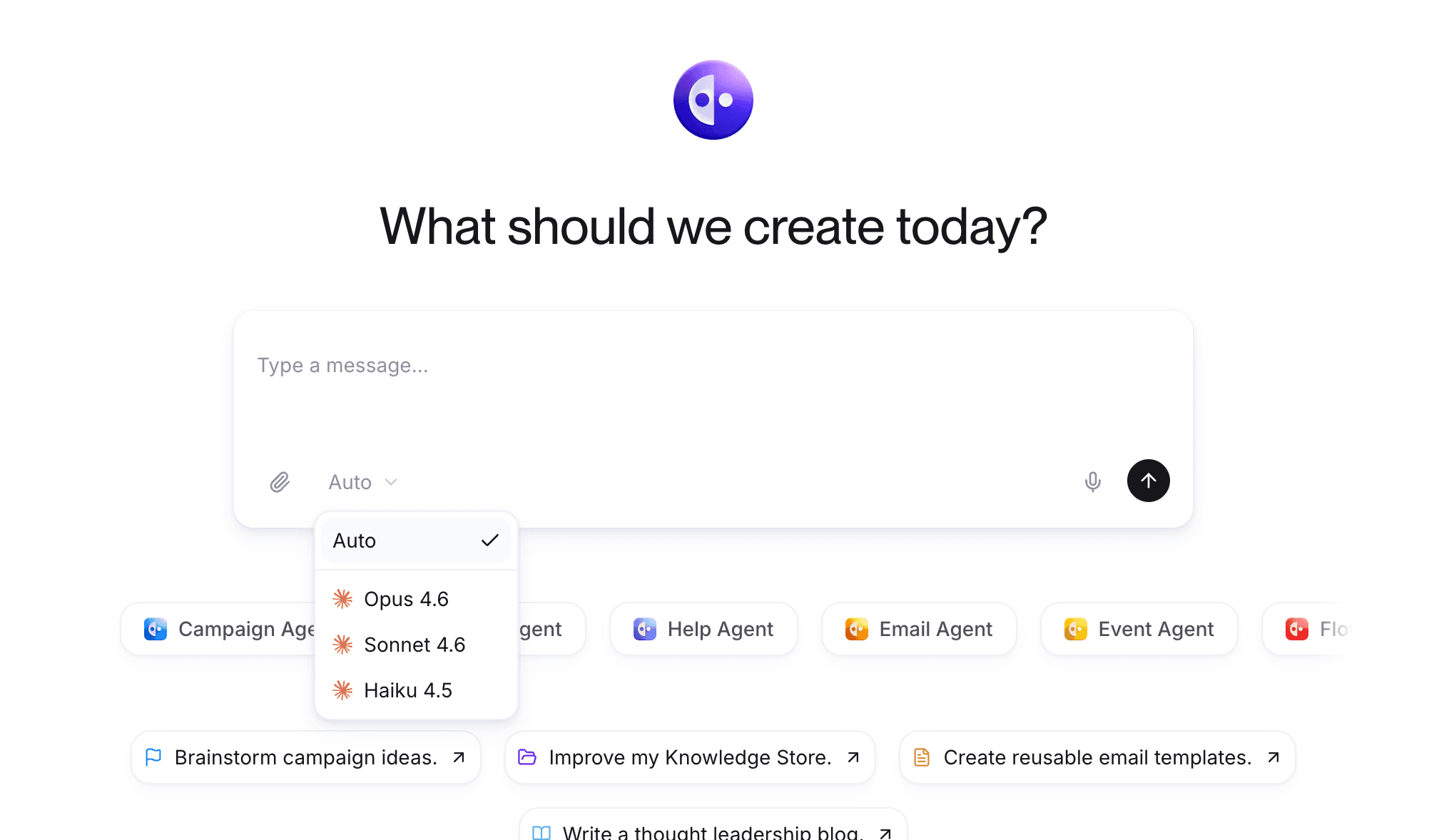


This week brought two major feature updates that make Quotient more intuitive and powerful. The redesigned home screen gives you instant context about your marketing operations, while our new multi-turn image generation capability brings truly conversational image editing to the Design Agent. Plus several quality-of-life improvements that make the platform smoother across the board.
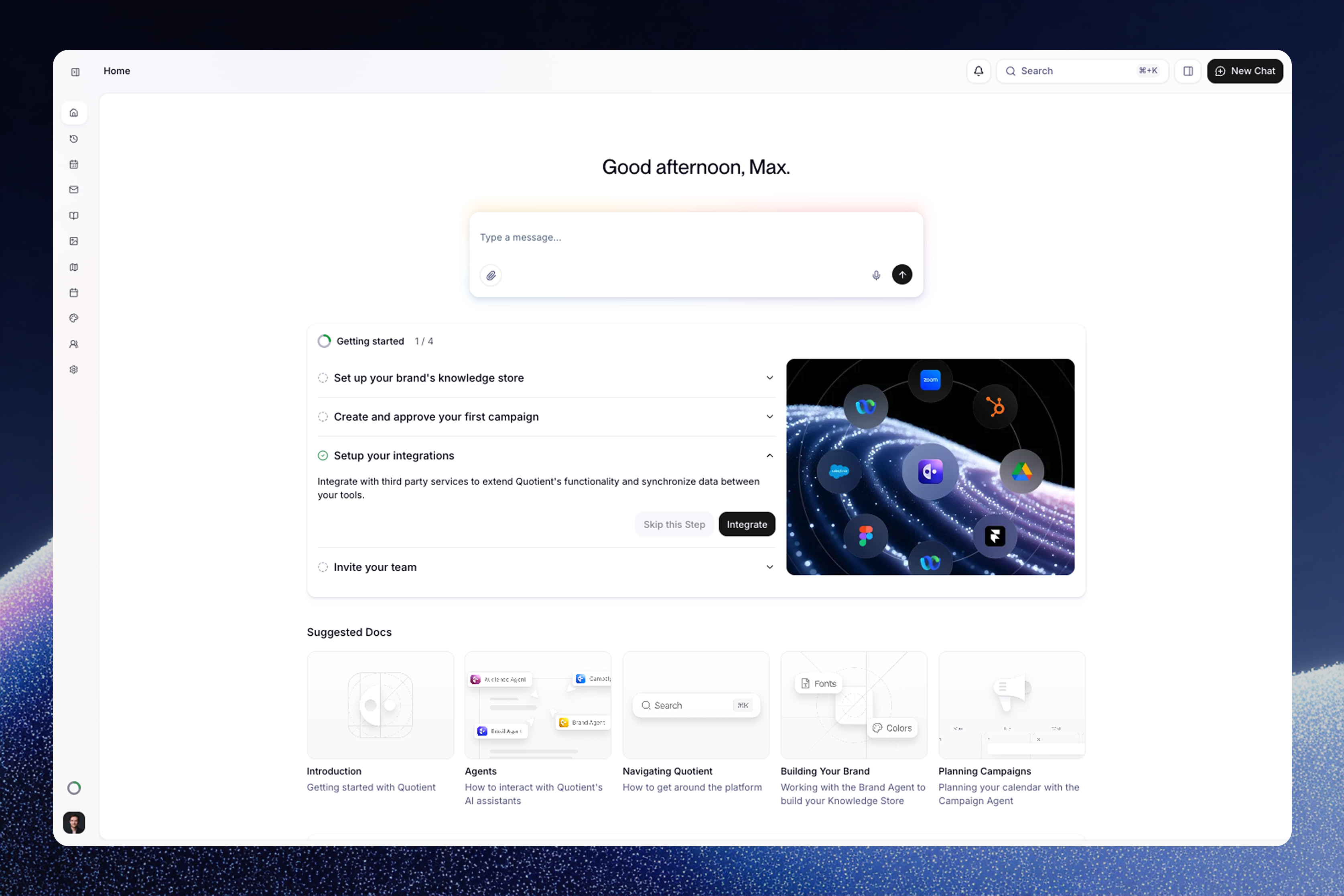
Updated Home Screen
Your home screen now serves as your marketing command center. See upcoming campaign activities at a glance, jump back into recent conversations without searching, follow personalized onboarding steps tailored to your workflow, and access recently relevant documents based on what you're working on. Whether you're just getting started or managing multiple campaigns, everything you need is organized and accessible the moment you log in.
Multi-Turn Image Generation
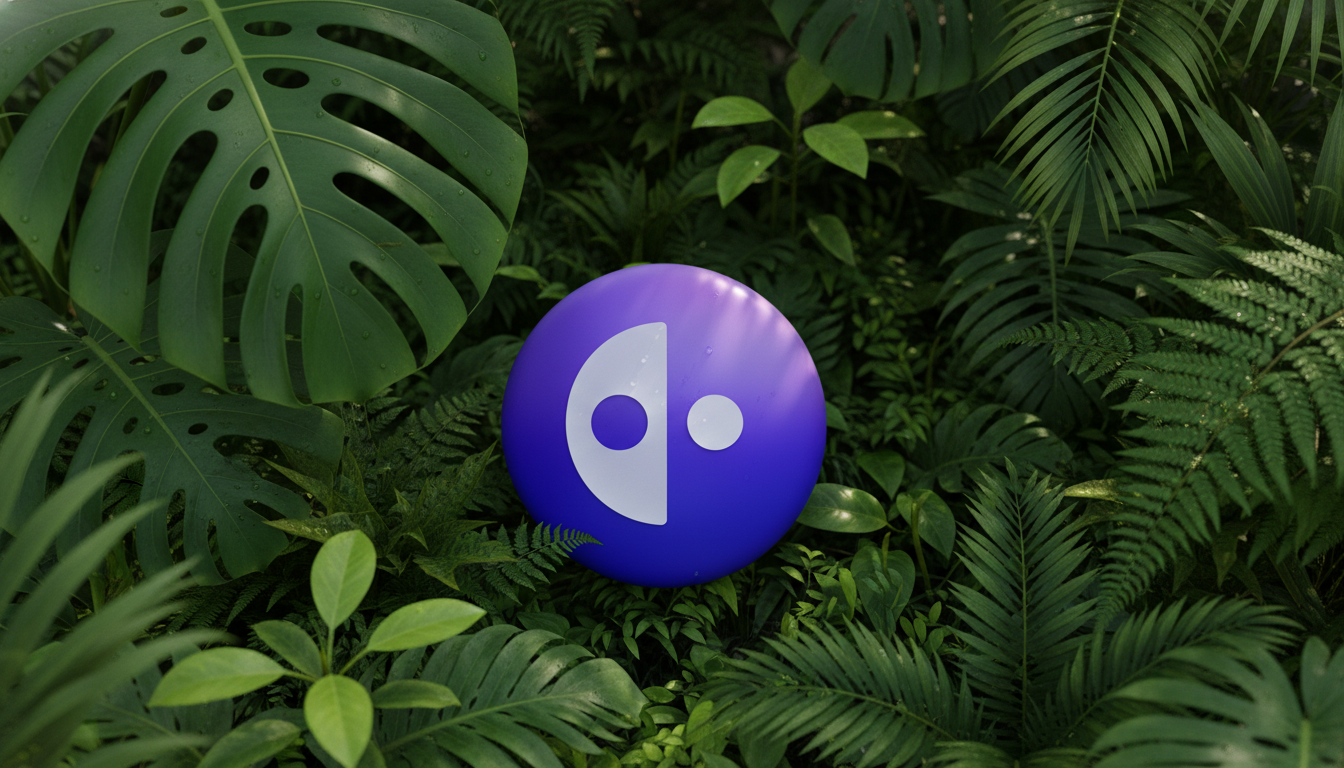
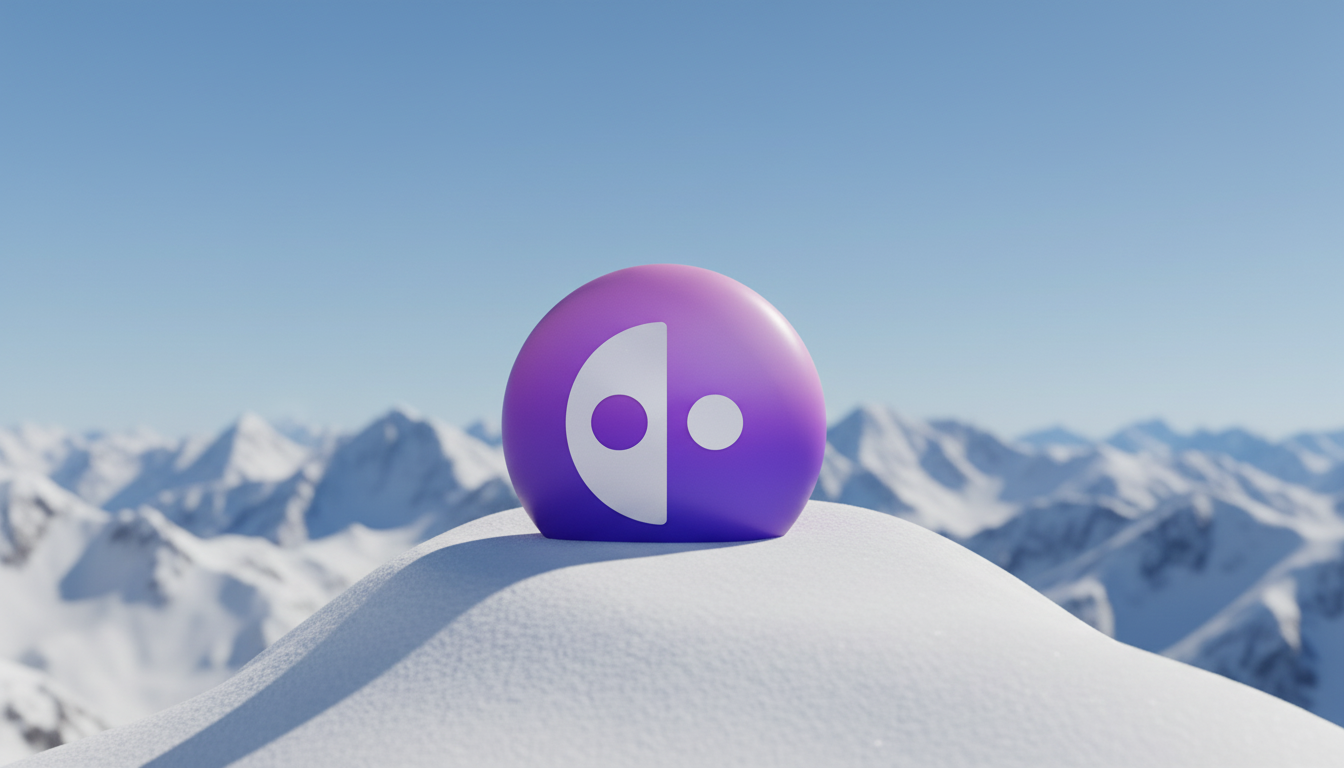
We've integrated Google's state-of-the-art Nano Banana model into the Design Agent. You can now generate images and edit them conversationally—adjust colors, reposition elements, try different styles—all through natural back-and-forth with the agent. No need to start from scratch each time you want to make a change. It's like working with a designer who understands exactly what you mean and can iterate with you in real-time.
Here's an example of the multi-turn editing in action—starting with one concept and iterating to a completely different style:
Other Improvements
Real-time text streaming—watch agents write knowledge documents and blogs as they work, rather than waiting for them to complete the entire document before seeing any output
Redesigned asset page with cleaner, more intuitive navigation
CDN hosting for all assets—faster loading and better SEO performance
Quick-start buttons on Campaign Page for one-click deliverable creation
Bug Fixes
Improved Email Editor preview accuracy across email clients
Fixed text editing bugs in the Email Editor
Blog
Keep up with the latest
from Quotient
Similar Topics