


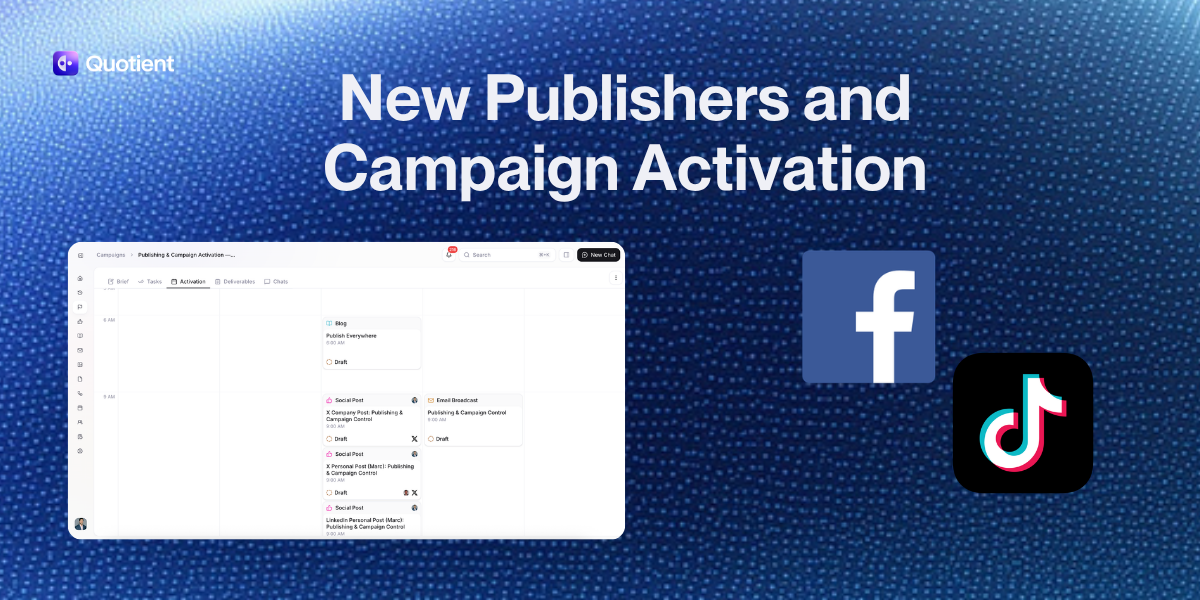
Today we're making it easier to manage and visualize your campaign activation plan, expanding social publishing to TikTok and Facebook, and shipping a handful of other improvements.
Campaign Activation Tab
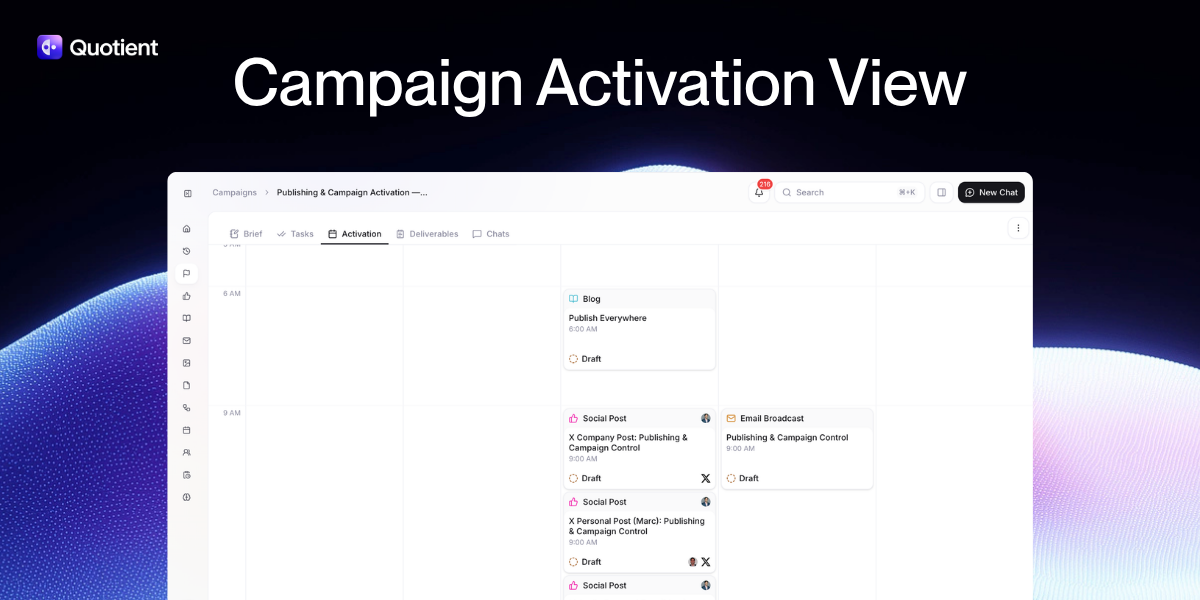
The Campaign Activation Tab is a visual calendar inside every campaign that shows you the full sequence of how your campaign activates. Every deliverable (blogs, emails, social posts, events) is mapped to its publish date, so you can see exactly when each piece goes out, in what order, and how the different channels all hang together across the campaign timeline.
That sequence is also something you can change. Drag and drop any deliverable to a new date and the calendar updates instantly. If the launch email needs to go out a day earlier, or the blog should drop before the social posts rather than after, you rearrange it directly on the calendar. The timing and order of your entire campaign ,the actual activation plan,is something you can now see and control in one place.
A campaign isn't just a collection of assets, it has a timeline and a rhythm. The Campaign Activation Tab is what makes that visible. I've wanted this view since we first shipped campaigns. Once you use it, going back to the flat list feels like navigating by spreadsheet.
Most marketing calendar tools are planning layers. You map out your schedule in one place, then go somewhere else to create the content, and somewhere else again to publish it. The Campaign Activation Tab doesn't work that way. It's inside the same platform that wrote the copy, composed the email, and will send everything out. The calendar and the work are the same thing.
TikTok and Facebook Publishing
We now support direct publishing to TikTok and Facebook, rounding out five-platform coverage alongside LinkedIn, X, and Instagram.
For both platforms we built platform-specific editors. When you're composing a TikTok post in Quotient, it feels like you're editing a TikTok post. When you're composing a Facebook post, it feels like you're editing a Facebook post. The editor reflects the conventions and format of each platform, so you're not adapting generic text into something platform-appropriate after the fact.
Unpublish
Sometimes content needs to come down. A typo gets through, messaging changes, timing is off. Until now that required going to the native platform to delete or edit.
You can now unpublish posts on X, LinkedIn, and Facebook directly from Quotient. One click takes the post down and returns it to draft status, where you can edit and reschedule. The unpublish action is also available through the agent, so if you need to pull something down quickly, you can do it conversationally without hunting through the UI.
Command Palette
Cmd+K (or Ctrl+K on Windows) now opens a command palette from anywhere in Quotient. The commands are contextual. They adapt to where you are in the app, surfacing the most relevant actions for what you're looking at.
If you're inside a campaign, you get campaign-level commands. Inside an email editor, you get editing actions. The palette is also available through the agent. It's one of those improvements that's hard to convey in a screenshot but immediately noticeable once you use it. It removes the friction of navigating through menus for things you reach for constantly.
All four updates are live now. Try the Activation Tab inside any campaign. It changes how you think about campaign pacing.
Blog
Keep up with the latest
from Quotient
Similar Topics